

While creating the Workplace Success Skills Online Workshop, it occured to me that I did not even include computer literacy among those skill sets I will discuss in the workshop.
However, computer skills are essential for most office jobs because many office jobs include working with digital tools and software for communication—letters, emails, reports,—data management, and productivity. The specific computer skills you need in a job can vary depending on the nature of the office job.
Fundamental computer skills for office jobs
Here’s a list of fundamental computer skills you will need in most jobs:
1. Proficiency in Office Suite Software – Microsoft Office
Proficiency in programs like Microsoft Word (for word processing), Excel (for spreadsheets), PowerPoint (for presentations), and Outlook (for email and calendar management) is often a basic requirement for many office positions.
Today, many companies use Microsoft 365, the cloud version of Microsoft Office. Check out this link from Microsoft for details of Microsoft 365 and free training on Microsoft Word, Excel, Power Point and Outlook.
2. Email Management – Email Clients
Familiarity with email clients like Microsoft Outlook, Gmail, or Yahoo is needed for managing emails, attachments, and scheduling appointments in online calendars.
Check out this page from GCF Global for free training on email basics.

3. File Management – File Organization
The ability to create, organize, and manage digital files and folders effectively is crucial in an office job. This includes knowing how to use file explorer or finder in Windows or macOS.
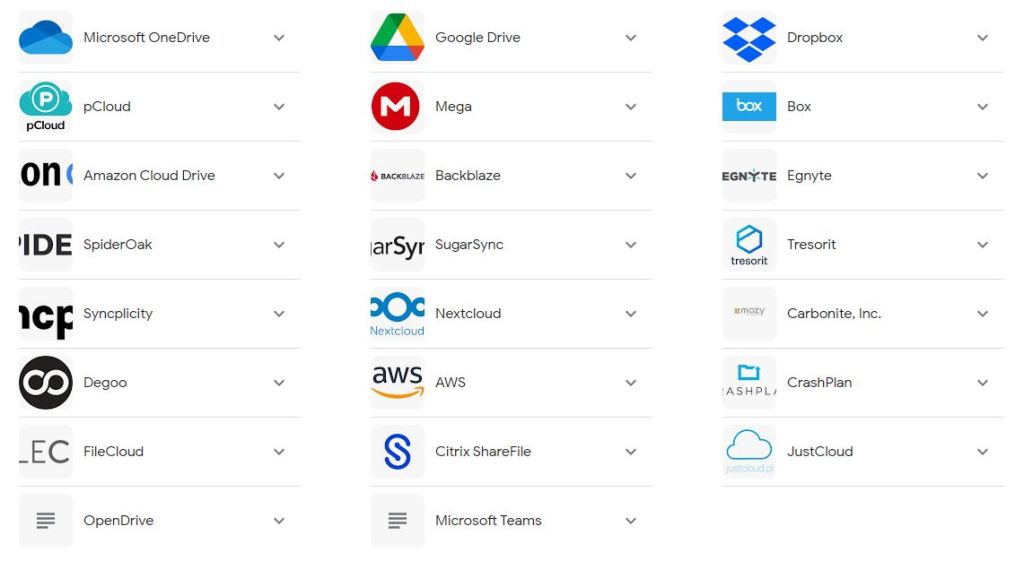
You will also need to know about using Google Drive, Microsoft OneDrive, DropBox and other common online file storage systems in the cloud. Those three are free and you can test them as an individual.
4. Data Entry and Database Management – Data Entry
Proficiency in entering and managing data in databases or spreadsheets require familiarity in software like Microsoft Access or Google Sheets.
5. Database Management
You don’t need to be an expert at this, but a basic knowledge of database software and how to retrieve, input, and manipulate data may be needed..
6. Typing Skills
A reasonable typing speed and accuracy are essential for creating documents and entering data efficiently. Consider taking a typing course or practicing regularly to improve your typing skills.
No typing with one hand in office jobs! So learn proper two handed typing and to do so without looking at the keyboard. That way you can look at a document and monitor and keep typing without looking at the keyboard.
There are a lot of online sources and typing practice tools you get for free.
Some of them make learning enjoyable with typing games. There are even versions for children.
7. Internet Browsing and Research
Knowing how to use web browsers effectively for research, finding information, and online communication is key for office jobs.
Whether you search the internet for study related or job related work, you must always get your information from credible sources. Wikipedia and Facebook and other social media are not considered credible sources of information.
You can use Wikipedia, but go to the references they give at the bottom of each page and check them out before using the information. The strength of Wikipedia is that it can be edited and added to by anyone. That freedom is also a reason why its not always a good source for information. Anyone can add anything to it. If someone does not spot it and change, you will find the wrong information when you check.
People have written books about internet browsing and research. I am one of them.
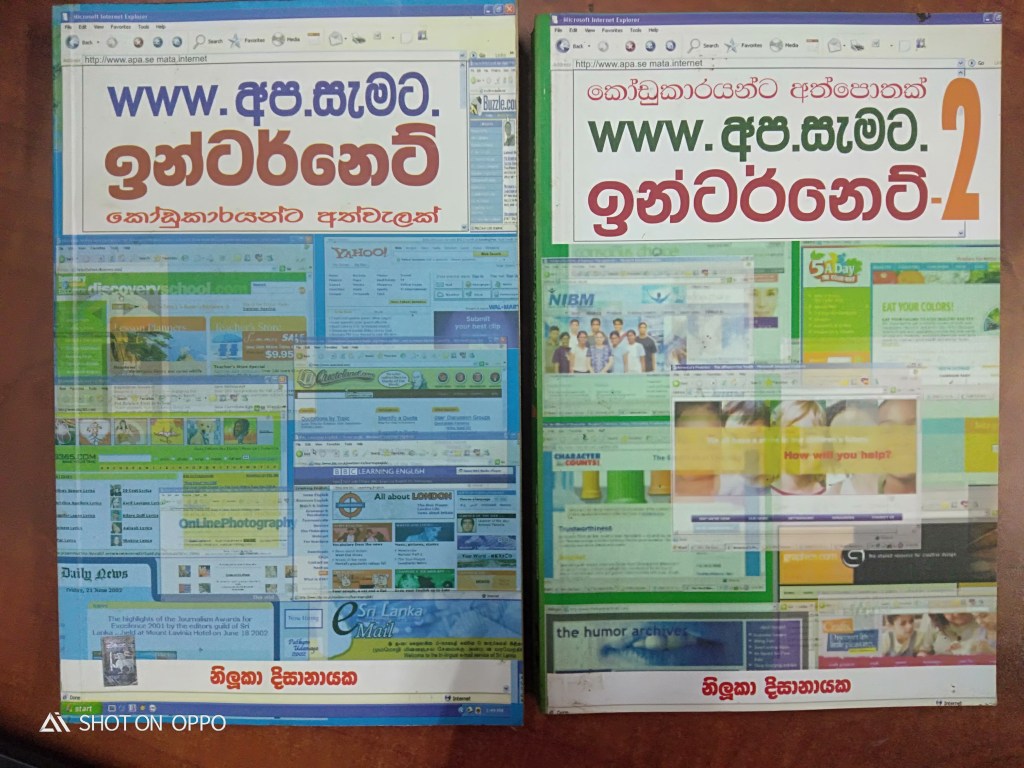
You can call me an authoring on internet browsing because for over 4 years I wrote columns on internet browsing for the Divaina and Island newspapers. The sinhala columns were published as two books. Unfortunately they are out of print.
8. Communication Tools – Video Conferencing
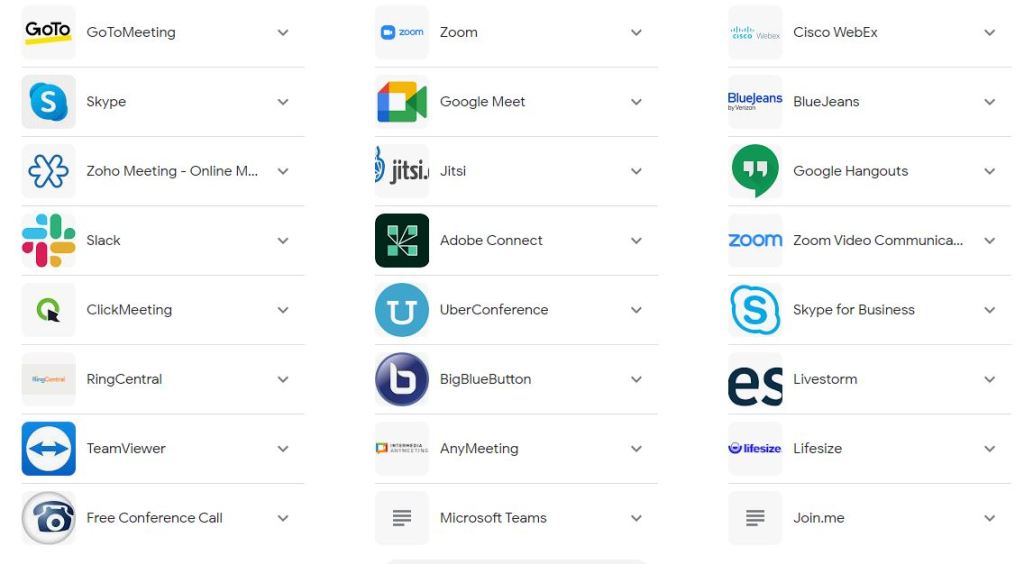
You need familiarity with video conferencing tools like Zoom, Microsoft Teams, GoToMeeting, GoogleMeet and Skype for online meetings and collaboration.
This is the top search result for “top video conferencing tools”. You can click on each down arrow to get more information.
9. Instant Messaging
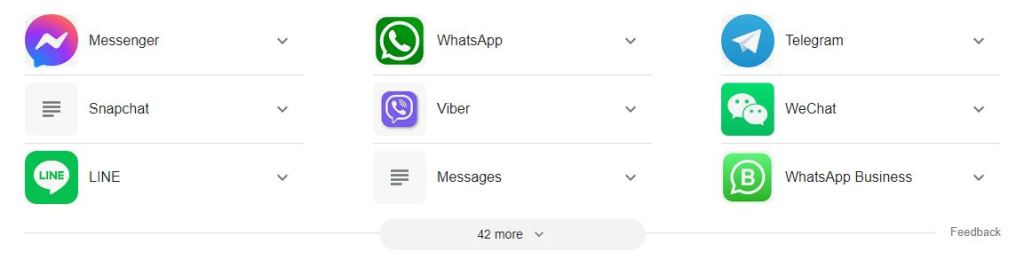
Proficiency in using chat applications for quick communication within the office or with clients is necessary. Popular messaging apps provide a one-on-one channel for people to talk to their customers and offer fast customer service.
A HootSuite article summarized the 9 of the Most Popular Messaging Apps in 2023. It gives you details about WhatsApp, Messenger, Snapchat, Google Business Messaging and Viber among others.
A search for top instant messaging apps highlighted over 50 apps.
10. Document Collaboration
Knowledge of collaborative platforms such as Google Workspace (formerly G Suite) or Microsoft SharePoint, which enable real-time document sharing and editing among teams.
11. Other Collaborative Software
Besides sharing documents, companies also use collaborative tools like Slack, Trello and Microsoft Teams for working as teams.
Here’s a complete guide to collaborative software, including what they do, and their benefits. This PC Magazine review gives you access to details about the most popular collaborative software right now.

12. Basic IT Troubleshooting
You must have the ability to troubleshoot common computer issues, such as resolving printer problems, dealing with software glitches, or addressing network connectivity issues.
Of course, unless you become a hardware expert or a network expert, there are no specific courses for basic IT troubleshooting because each office has different devices, hardware and software issues. Most people figure this out with experience. But feel free to ask someone for help.
13. Cybersecurity Awareness
Cybersecurity is a key concern for most companies, whether big or small. Each expects—or should expect—basic awareness of cybersecurity best practices in their employees. This includes password management, recognizing phishing attempts, and keeping sensitive information secure.
You will also need to be conscious about not using flash drives and USB drives on office computers without checking them for viruses first. One ignorant new employee can mess up an entire company system. You don’t want to be that person, do you?
Check out the Internet Safety topics from GCF Global for understanding the basics. They are pretty good, so take your time to read through.
There is also an internet safety playlist on YouTube. While it is a bit old, the basics are the same. Check it out first and do your own.
Google’s security tips and tools to help you stay safe online.
14. Project Management Tools
Familiarity with project management software like Trello, Monday, Asana, or Microsoft Project, may be needed depending on the job’s requirements.

No one can possibly learn all of them. And you don’t know which ones your employer is using. So just get familiar with one or two project management tools and then you will be able to master the others pretty fast.
15. Basic Graphic Design Skills
Familiarity with graphic design tools like Adobe Photoshop or Canva may be required for some roles and positions involving marketing or content creation.
Here’s what people around the world use.

Our favourite is Canva because its free and there are lots of templates that can be changed.
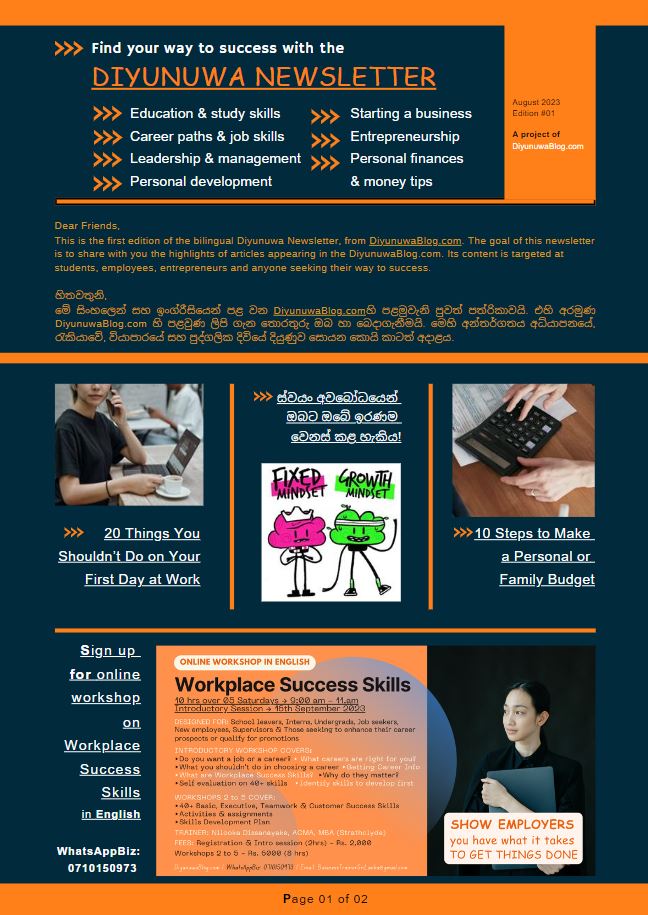
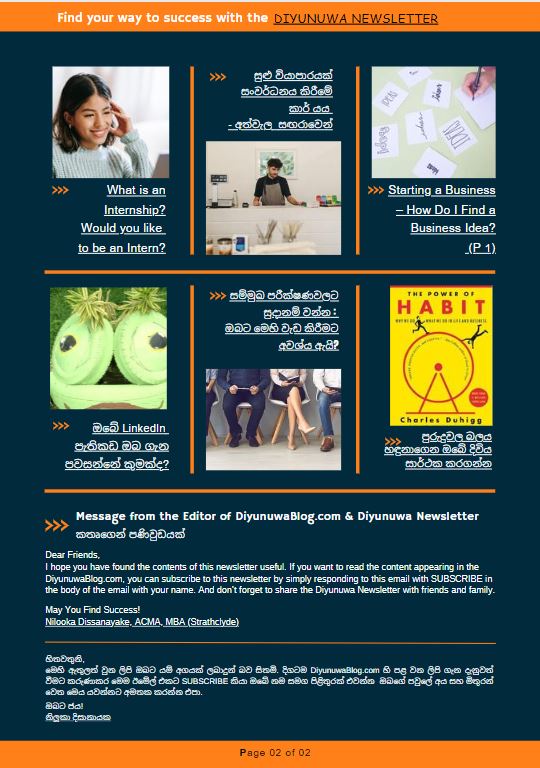
We even created the Diyunuwa Sinhala/English Newsletter by adapting a Canva template.
lick the link to read the Diyunuwa Sinhala/English Newsletter First Edition (August 2023).
16. Accounting Software(for finance-related roles)
If your office job is finance-oriented, knowledge of accounting software like QuickBooks or Excel for financial analysis may be necessary.
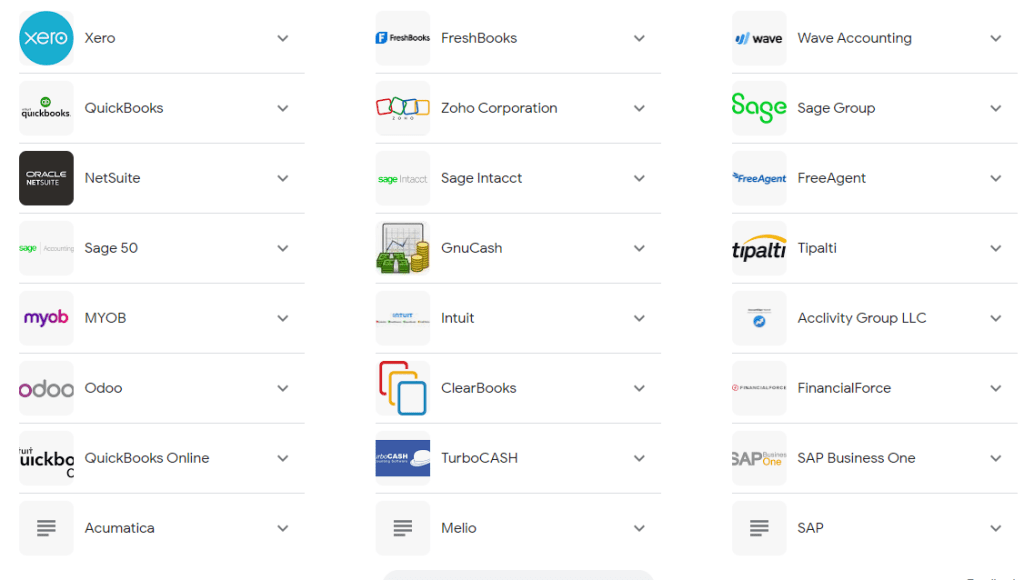
Here’s a list of Best Accounting Software for Small Businesses from Investopedia. If you work for a multinational or other large company, they may have their own preferences of proprietary or cloud based software and platforms.
People applying for basic office jobs don’t need to be experts in any of these. You just need to be aware they exist. Once you join, you will have the opportunity to learn more about them, if necessary for your job role.
17. Customer Relationship Management (CRM) Software
CRM software is used in sales and customer service roles. Familiarity with CRM software such as Salesforce, HubSpot, or Zoho for managing customer data and interactions may be necessary.

18. Video and Audio Editing Tools
Multimedia-related roles may need an ability to use video and audio editing tools. If your role involves multimedia content, proficiency in video and audio editing software like Adobe Premiere Pro or Audacity may be required.
Good News: You don’t need to be an expert in all of the above!
Remember that the specific computer skills needed can vary widely based on the industry, job role, and company. Be sure to review the job description and requirements when applying for office positions to tailor your skills accordingly. Additionally, staying open to learning new software and technologies is essential as the digital landscape continues to evolve.
Free Resources for Learning Basic Computer Skills
Free Online Resources
There are a lot of free resources available online for learning and practising basic computer skills.
Here are some places to start for free.
Everything from basic computer operating systems to emails to web browsing and MS Office suites. It is very user friendly and easy to understand.
SkillUp EdTech Office Productivity Software Specialization On Coursera.org.
These courses are free to follow, participate in and master new skills. You only need to pay if you want a certificate. (Why do you need a certificate, if you have the skills, anyway?)
It is a must visit site for both parents and young people.
Try Coursera.org for anything you want to learn, whether vocational, diploma, degree or post graduate qualifications. They have everything you could ask for and its all free.
For example, we recommend that school leavers look at Coursera.org courses from world’s top universities before selecting a degree.
You can even pay and get a degree from Coursera!
Dhammika Perera’s DP Education site and YouTube channel has become a viable alternative to tuition classes. In the same way the DP Digital University brings many of the top university and other courses to your fingertips. Most are free, with a model similar to Coursera.org.
The site has separate sections for Students, Parents and Educators. Check it out today.
Offline Resources in Sri Lanka
Here are some vocational courses in Sri Lanka. Many of these are free of charge but offer a pathway to employment for those who are not pursuing higher education by way of a degree.
Department of Technical Education and Training – DTET
Through its islandwide network—at least one per District and sometimes several in each District—you can enroll in a large range of vocational training courses at different levels.
These include some on computer hardware, networking and graphic design. These courses are conducted free of charge, offer NVQ 3 or 4 level certifications and of a duration of three to six months.
They also offer career guidance for school leavers who are unsure of what courses to take. Our experience with their guidance counselors has been extremely positive.
Vocational Training Authority of Sri Lanka (VTA)
Check out the VTA course list, searching by District of residence. Although there are a variety of courses, not all are available in every district centre.
Join the Workplace Success Skills Online Workshop
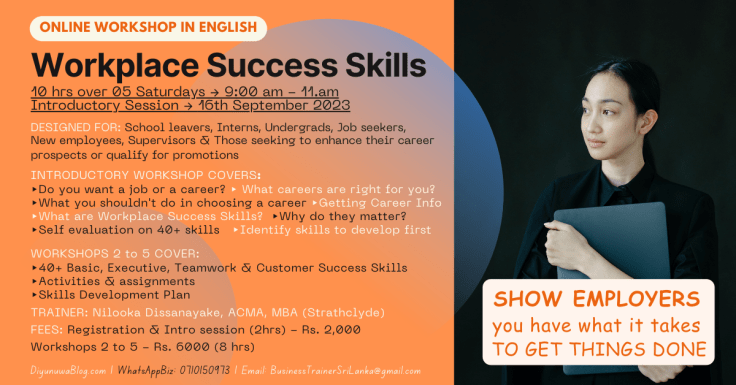
You can get more information and register for the workshop here.
By: Nilooka Dissanayake
 DiyunuwaBlog.com | දියුණුව
Leave a comment